Skip to main content
⭐️ If you like Flet, give it a star on GitHub and join the discussion on Discord.
 FletDocsGalleryRoadmapBlog
Search
Flet
-
Introduction
On this page
Introduction
What is Flet?
Flet is a framework that allows building web, desktop and mobile applications in Python without prior experience in frontend development. You can build a UI for your program with Flet controls which are based on Flutter by Google. Flet goes beyond merely wrapping Flutter widgets. It adds its own touch by combining smaller widgets, simplifying complexities, implementing UI best practices, and applying sensible defaults. This ensures that your applications look stylish and polished without requiring additional design efforts on your part.
Flet app example
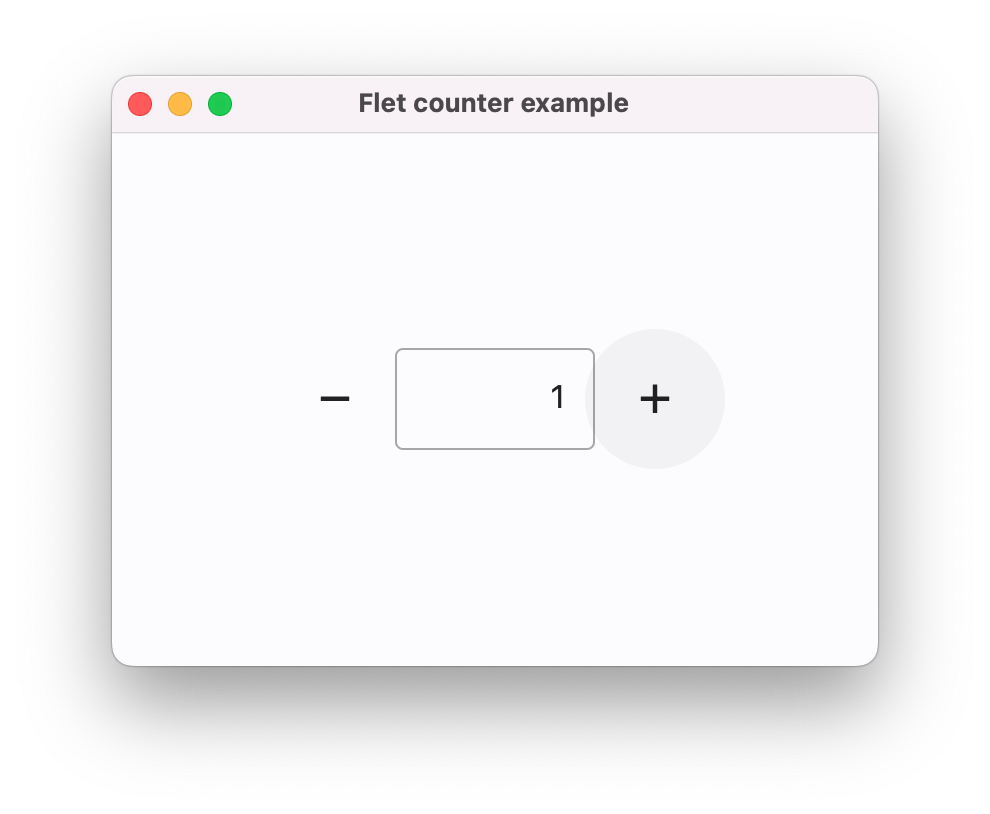
Create a sample “Counter” app: counter.py
import flet as ftdefmain(page: ft.Page):  page.title ="Flet counter example"  page.vertical_alignment = ft.MainAxisAlignment.CENTER  txt_number =
ft.TextField(value="0", text_align=ft.TextAlign.RIGHT, width=100)defminus_click(e):    txt_number.value =str(int(txt_number.value)-1)    page.update()defplus_click(e):    txt_number.value =str(int(txt_number.value)+1)    page.update()  page.add(    ft.Row([        ft.IconButton(ft.Icons.REMOVE, on_click=minus_click),        txt_number,        ft.IconButton(ft.Icons.ADD, on_click=plus_click),],      alignment=ft.MainAxisAlignment.CENTER,))ft.app(main)
To run the app install flet module (create a new Flet environment):
pip install flet
and run the program:
flet run counter.py
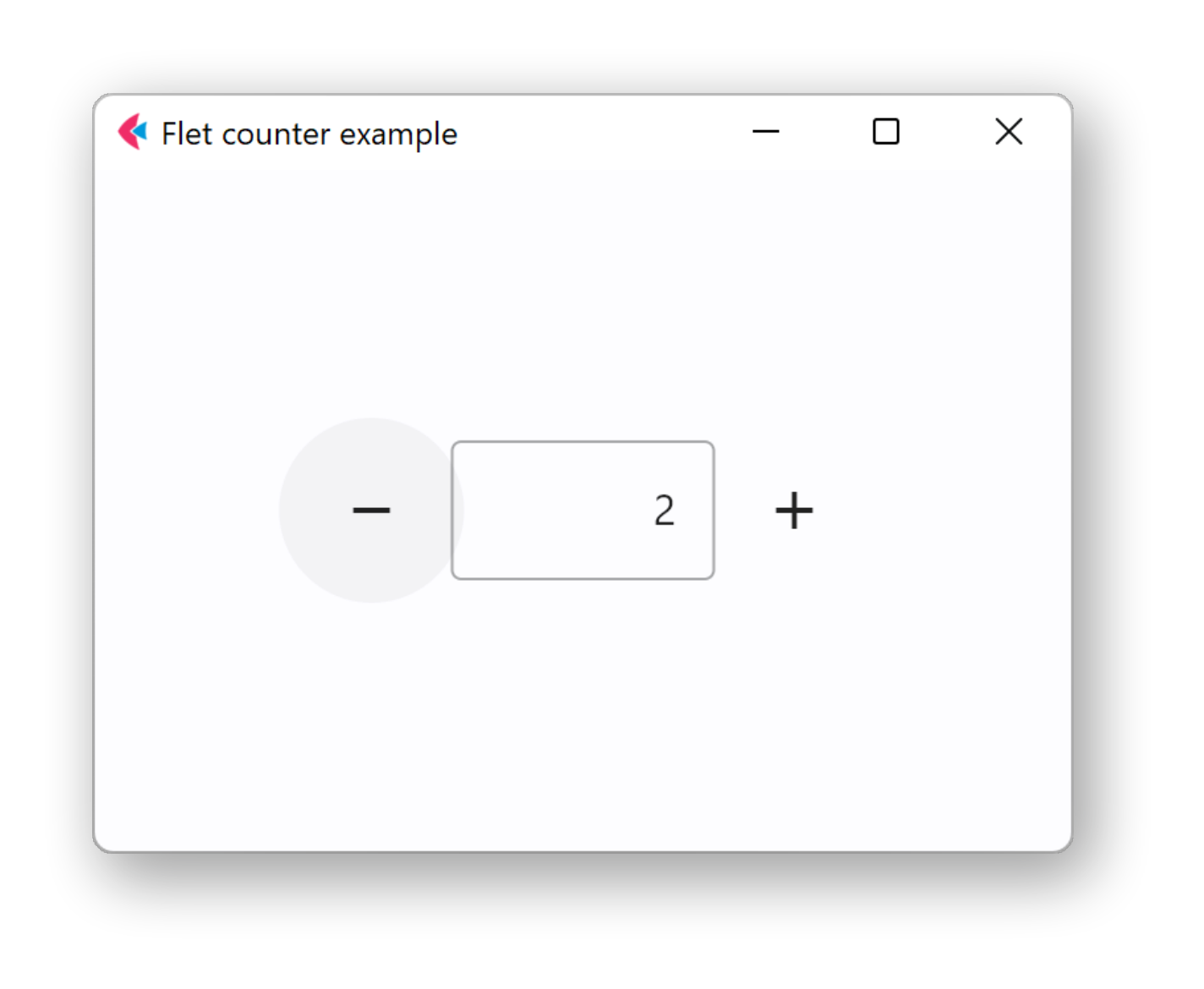
The app will be started in a native OS window - what a nice alternative to Electron!
macOS
Windows
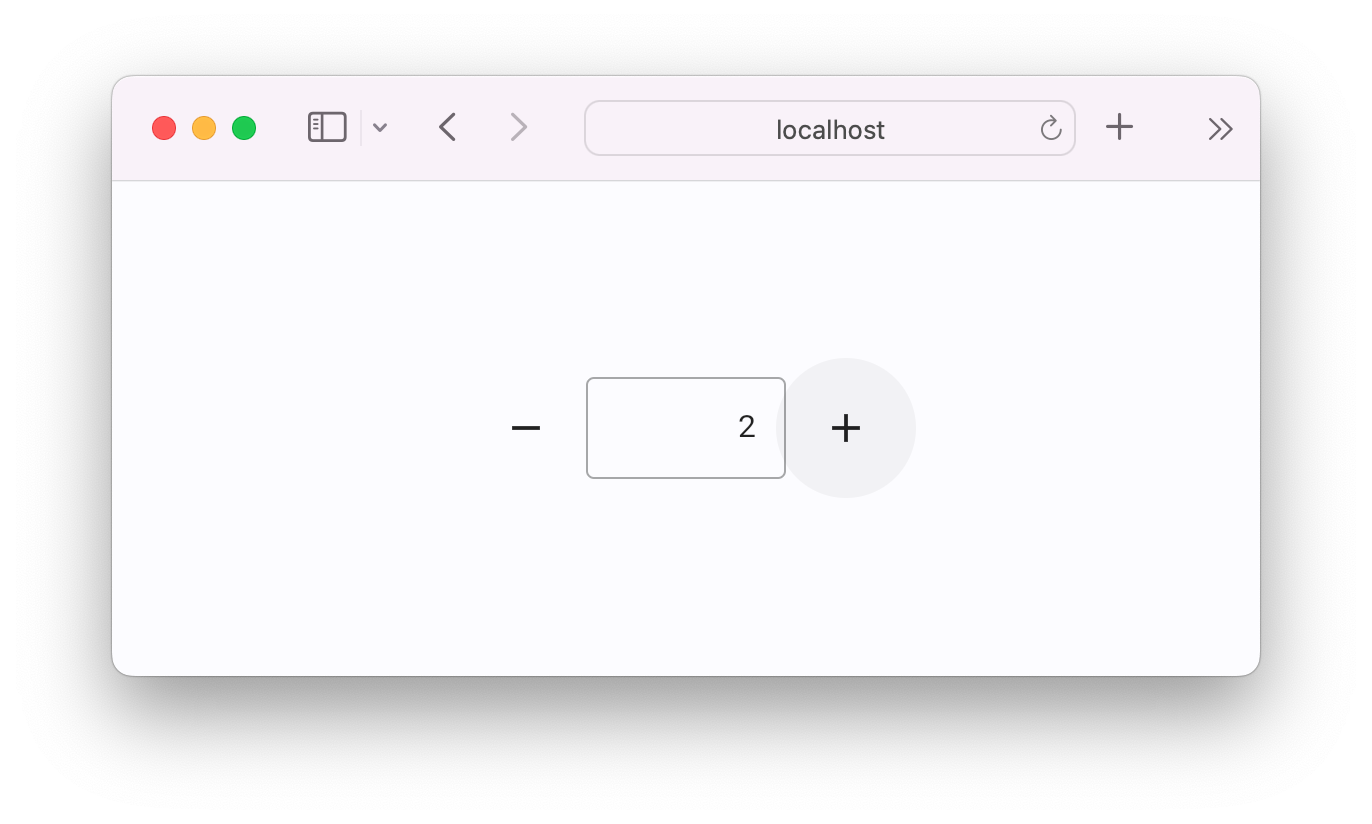
 Now, run your app as a web app:
flet run --web counter.py
A new browser window or tab will be opened:
 Edit this page
NextGetting started
Edit this page
NextGetting started
Docs
Community
More
Legal
Copyright © 2025 Appveyor Systems Inc. Built with Docusaurus.